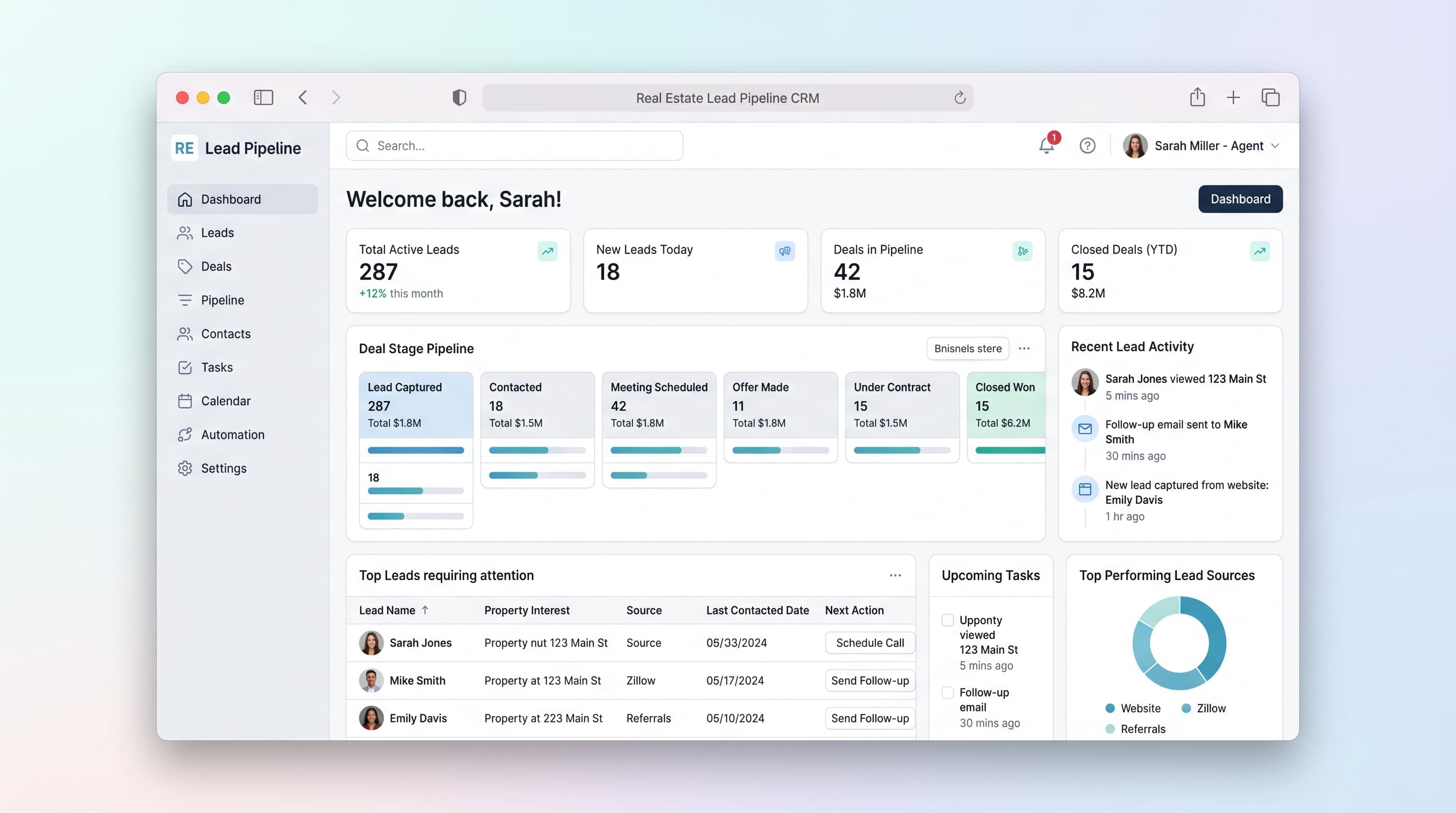
Full AI app builder prompt
Build a real estate CRM focused on lead pipeline management. Create a dashboard showing active leads in a kanban board with columns: New Inquiry, Property Viewing Scheduled, Offer Made, Under Contract, Closed Won, Lost. Each lead card displays contact name, property interest, budget range, last contact date, and next action. Include a lead detail page with full contact info, communication history timeline, property preferences, viewing notes, and document attachments. Add a calendar view for scheduled property viewings and follow-up calls. Implement automated email reminders when leads haven't been contacted in 7 days. Create a properties database linked to leads, showing available listings with photos, specs, and price. Add a deals value tracker showing total pipeline value and conversion rates by stage. Include filters for lead source (website, referral, walk-in, social media), agent assignment, and date ranges. Use a professional blue and white color scheme with clean sans-serif fonts. Make the interface mobile-responsive for agents in the field. Add quick-action buttons for call, email, and schedule viewing. Success criteria: agents can move leads between stages with drag-and-drop, view their pipeline value at a glance, and never miss a follow-up.
Best platform fit
This prompt is designed for AI app builders such as Lovable, Base44, Bolt, v0, Replit, and Cursor. Start with the complete prompt, then iterate with your target platform based on the database, auth, deployment, and design controls you need.